iOSAI calorie counter for iPhone

Snap your meal. AI does the rest.

Kcal it! recognizes dishes, products and nutrition labels from a single photo and instantly breaks them down into calories, protein, fat and carbs.

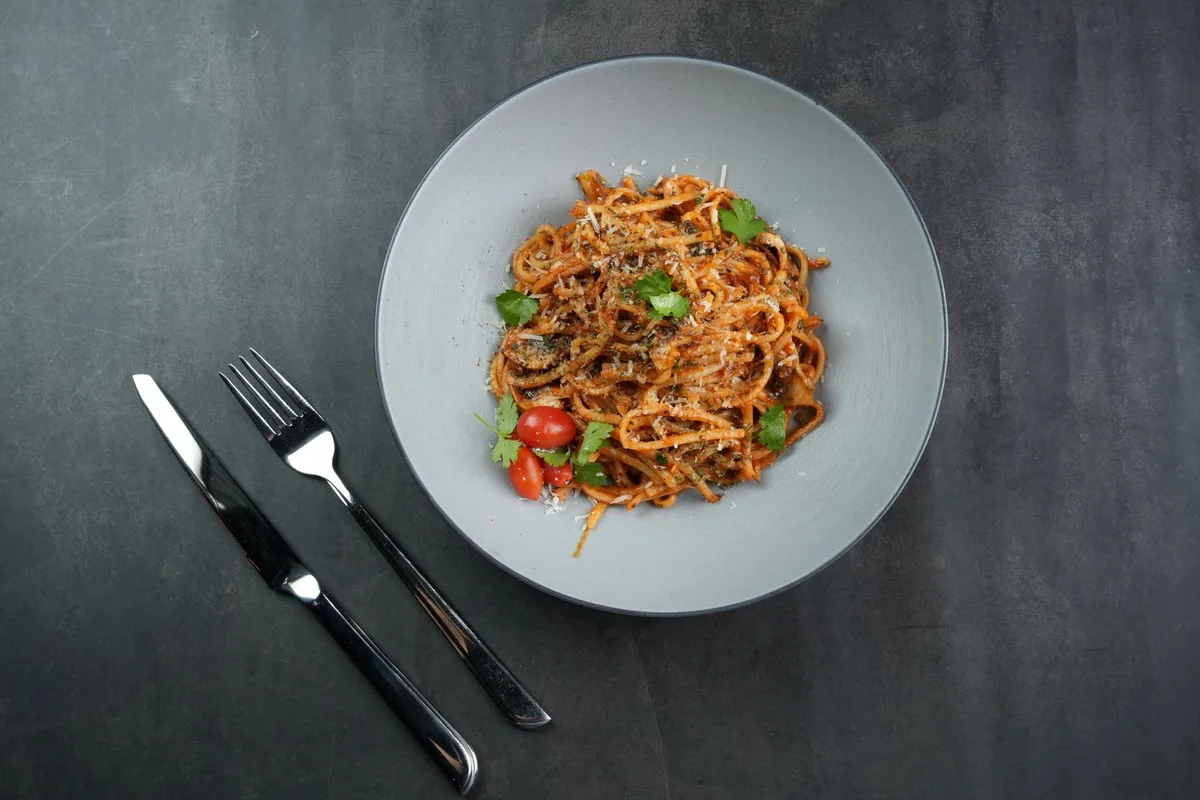
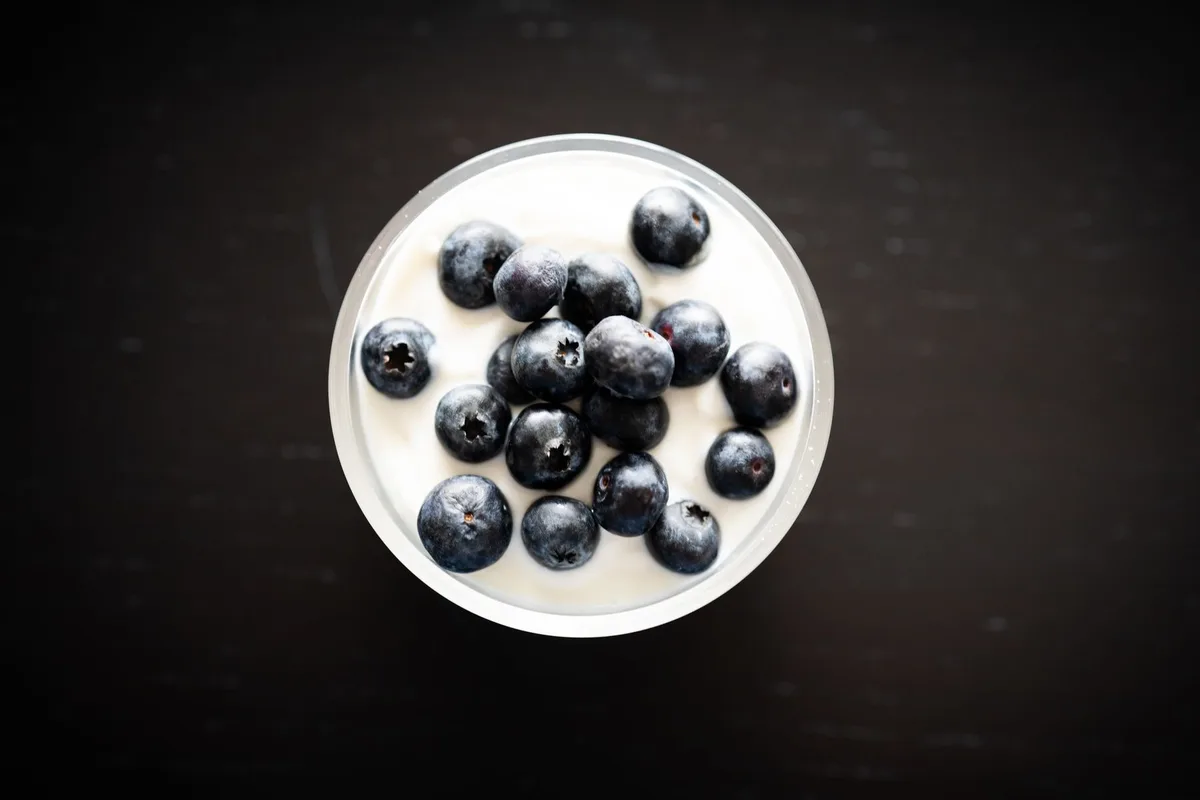
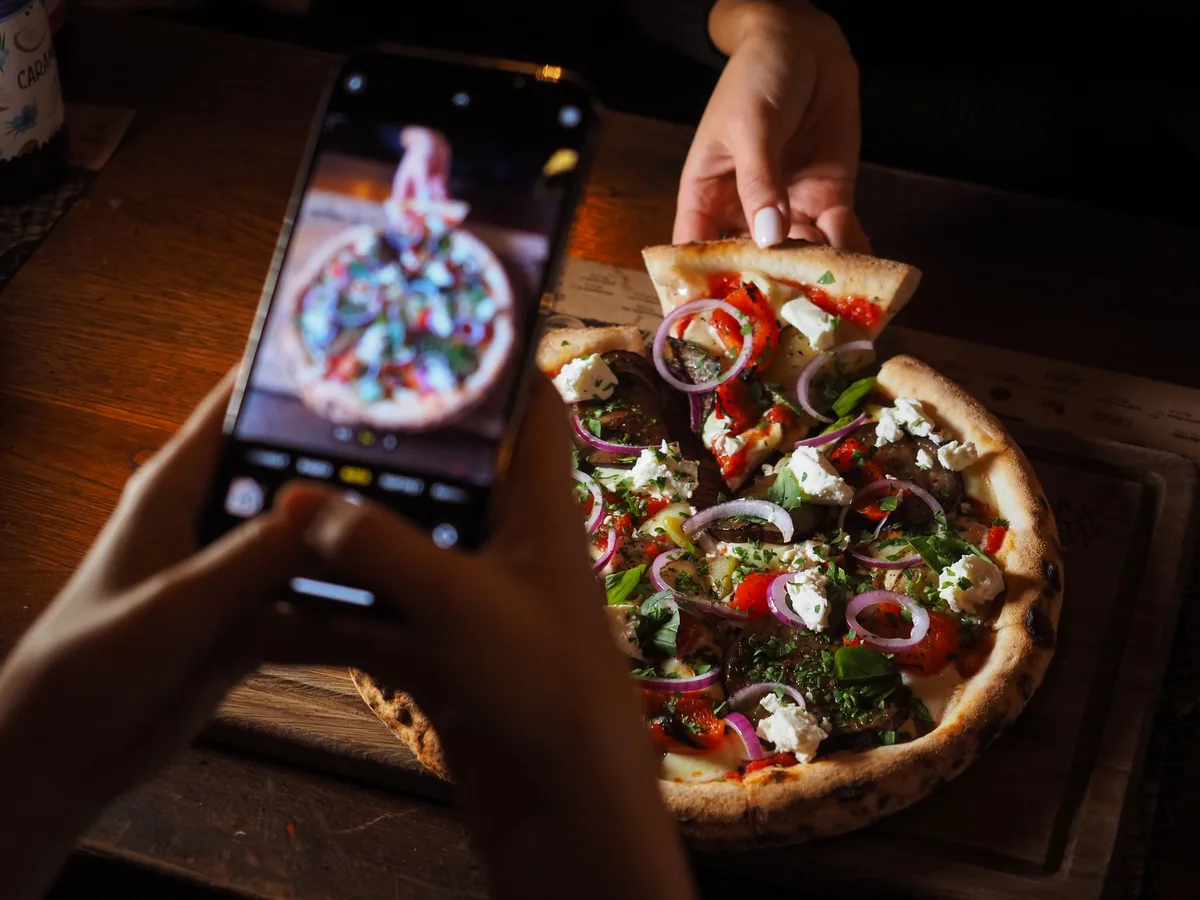
No spreadsheets, no endless searching. Point your camera at a plate , breakfast  or a label  — Kcal it! estimates the portion and breaks it down into calories, protein, fat and carbs.
01AI scan

One shot.
The full breakdown.

  1. 01

    Point the camera

    A plate, a product or a label — one photo is enough. Photos from your library work too.

  2. 02

    AI sees every ingredient

    The model breaks the dish into components and estimates the portion in grams.

  3. 03

    Calories and macros — instantly

    A ready breakdown of protein, fat and carbs. The name and portion are easy to adjust.

  4. 04

    Logged in one tap

    Pick a meal — the dish is in your diary and the rings on the main screen update.
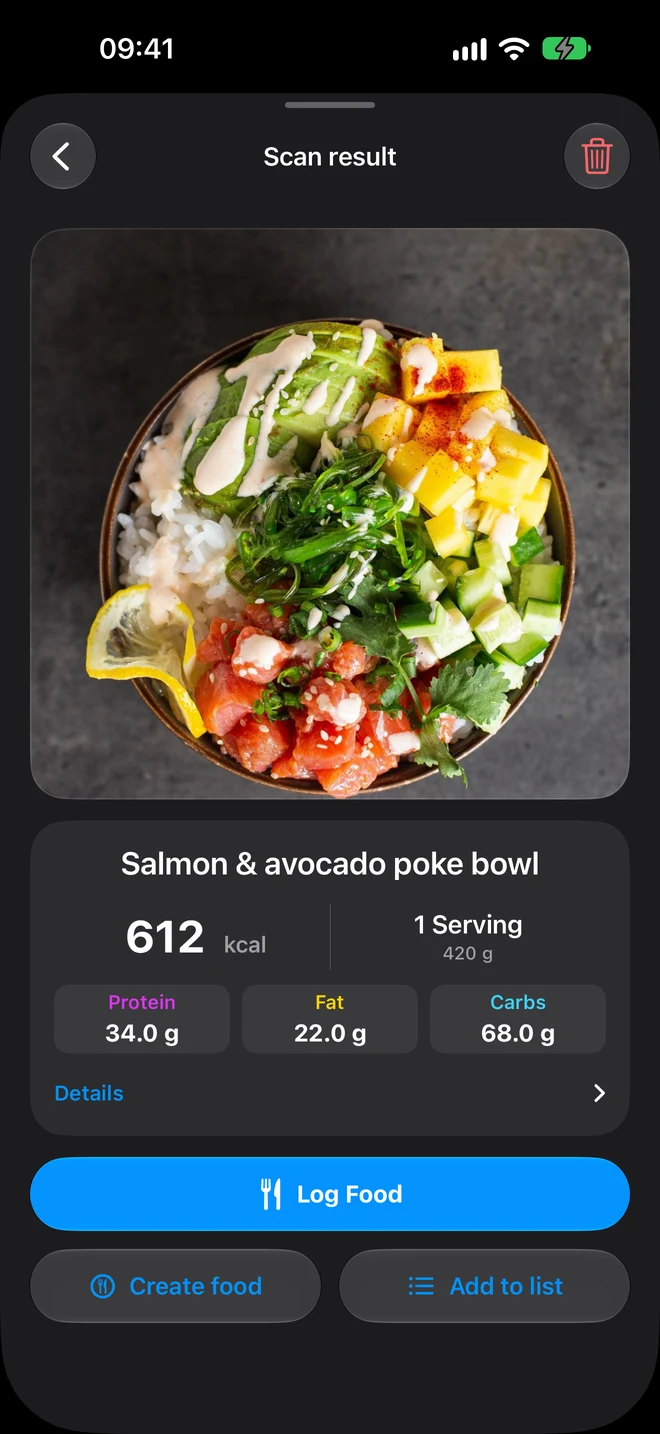
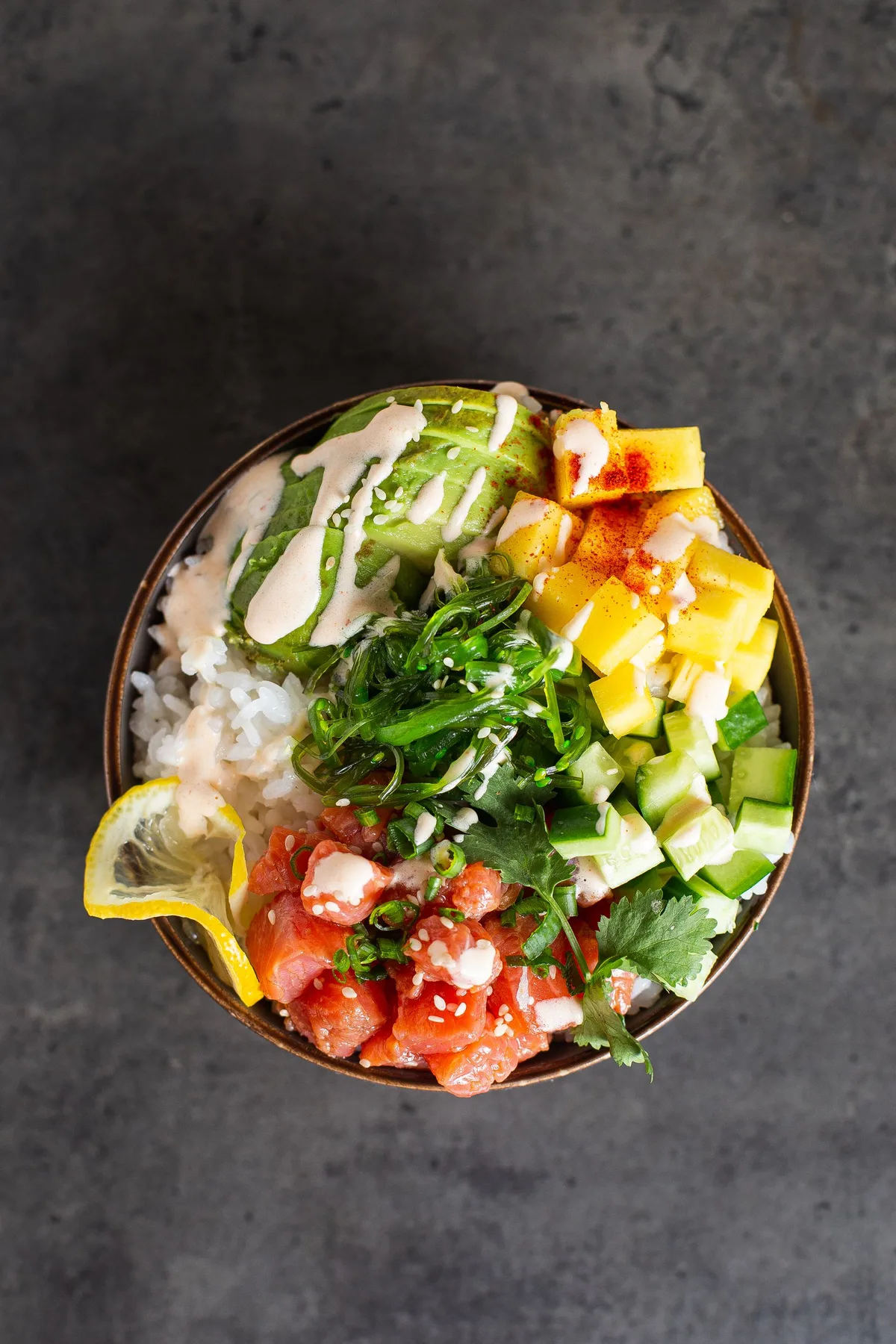
Salmon poke bowl with rice, avocado and mango — an example photo for the AI scan
Salmon & avocado poke bowl
612kcal · 420 g
Protein34 g
Fat22 g
Carbs68 g
Kcal it! scan result screen: salmon poke bowl, 612 kcal, P 34 g, F 22 g, C 68 g

02Anything in frame

A restaurant, a kitchen or the fine print on a package.

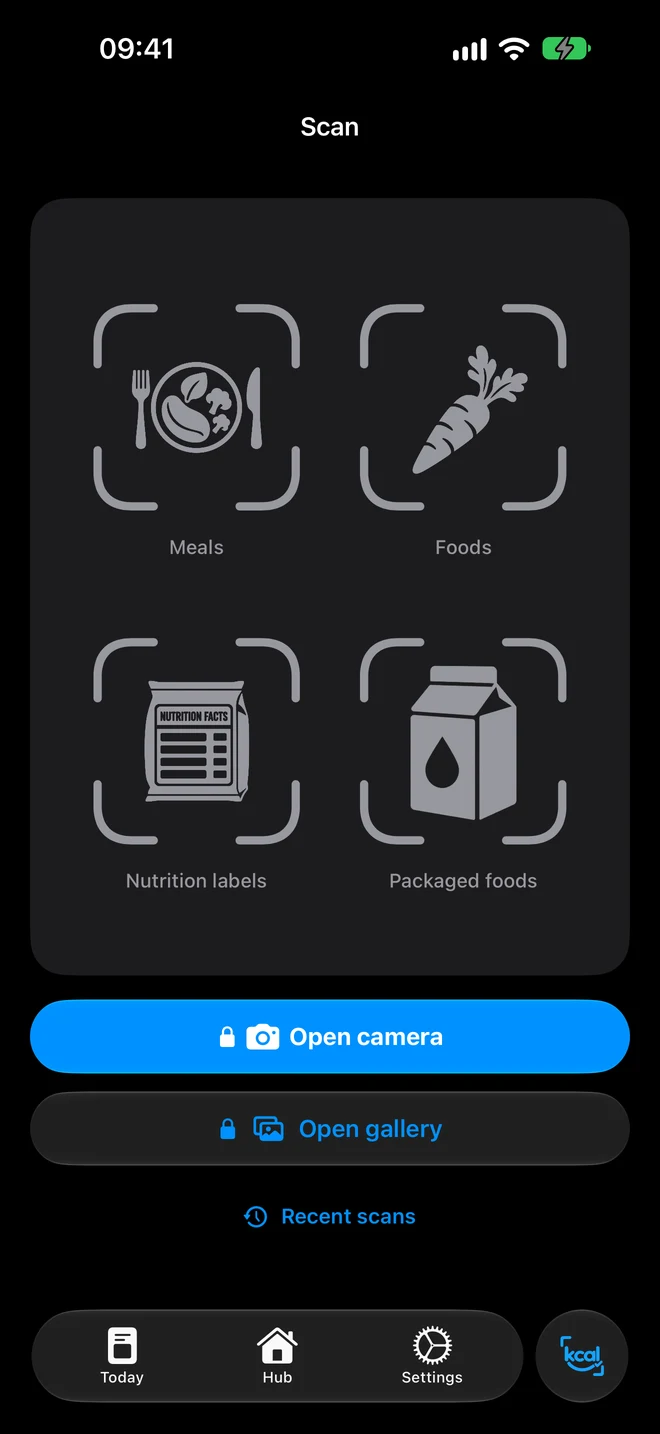
Four recognition modes on one screen: dishes, products, nutrition labels and packaged food.
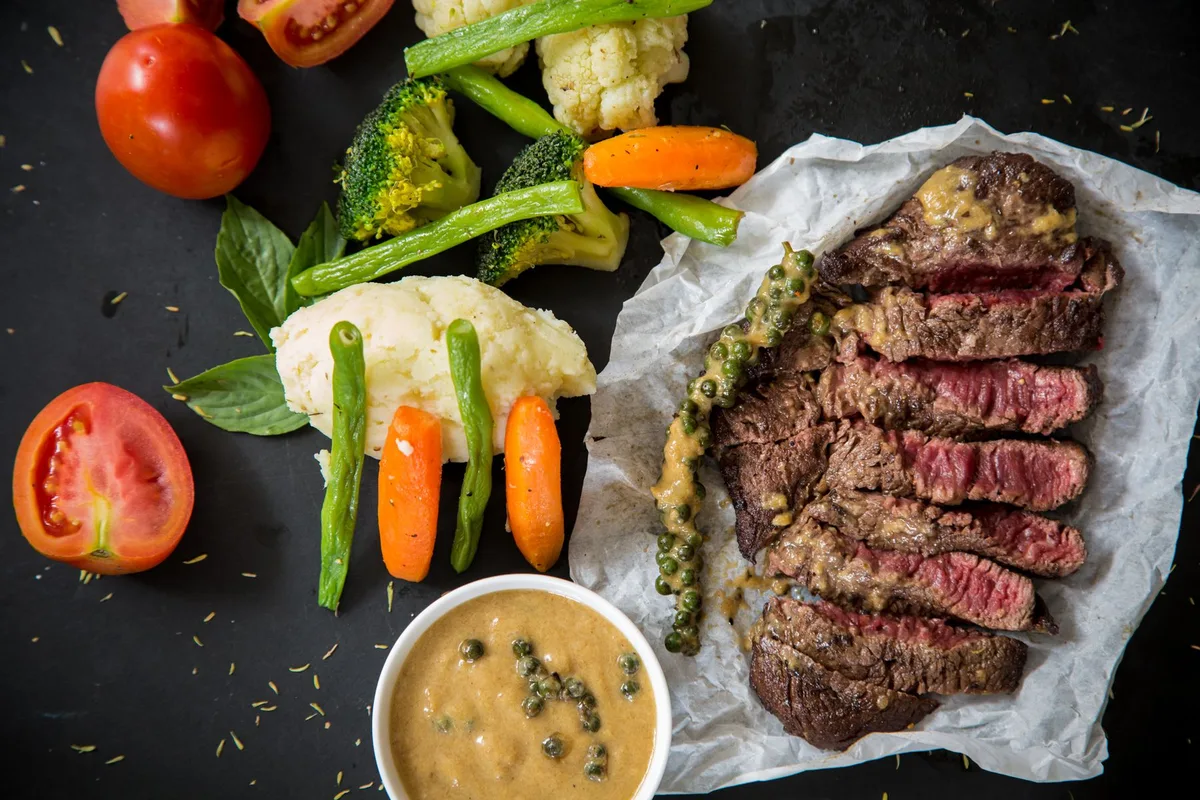
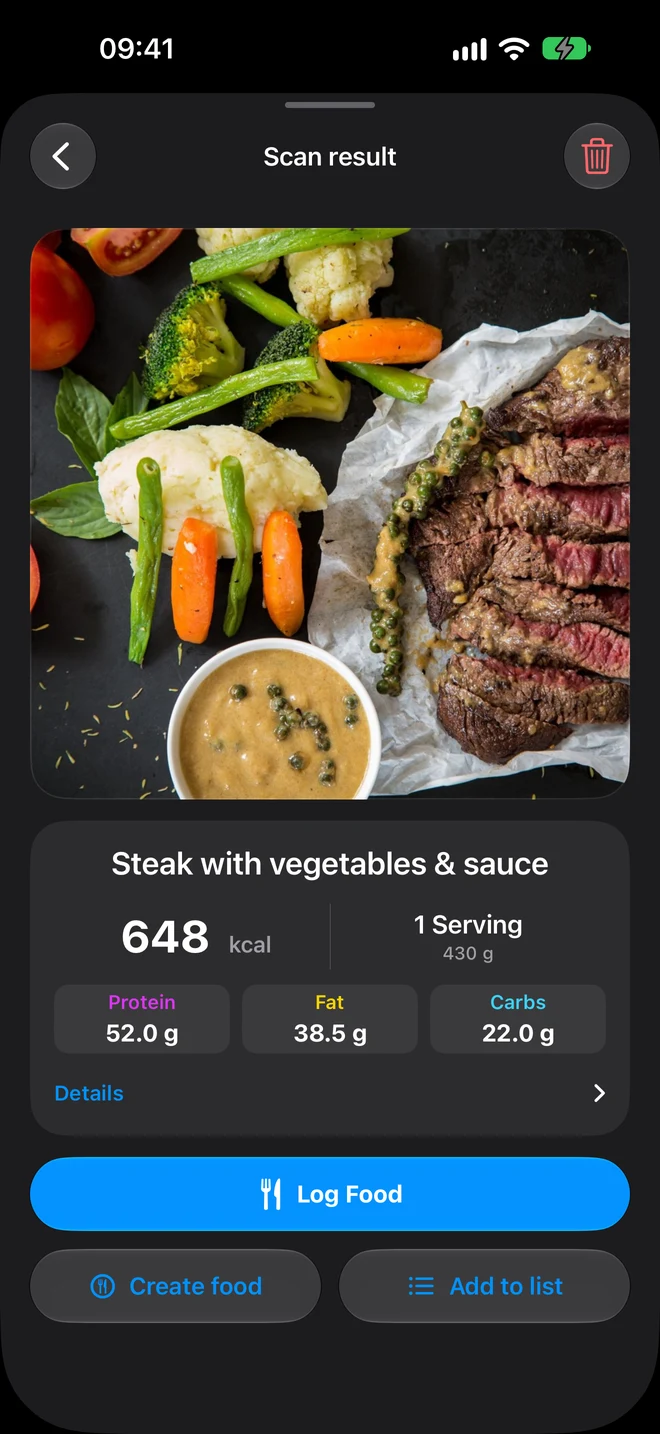
Steak with vegetables and sauce
01 / 05
Scan result: steak with vegetables, 648 kcal
Dishes

Steak with vegetables

648 kcal P 52 F 38.5 C 22

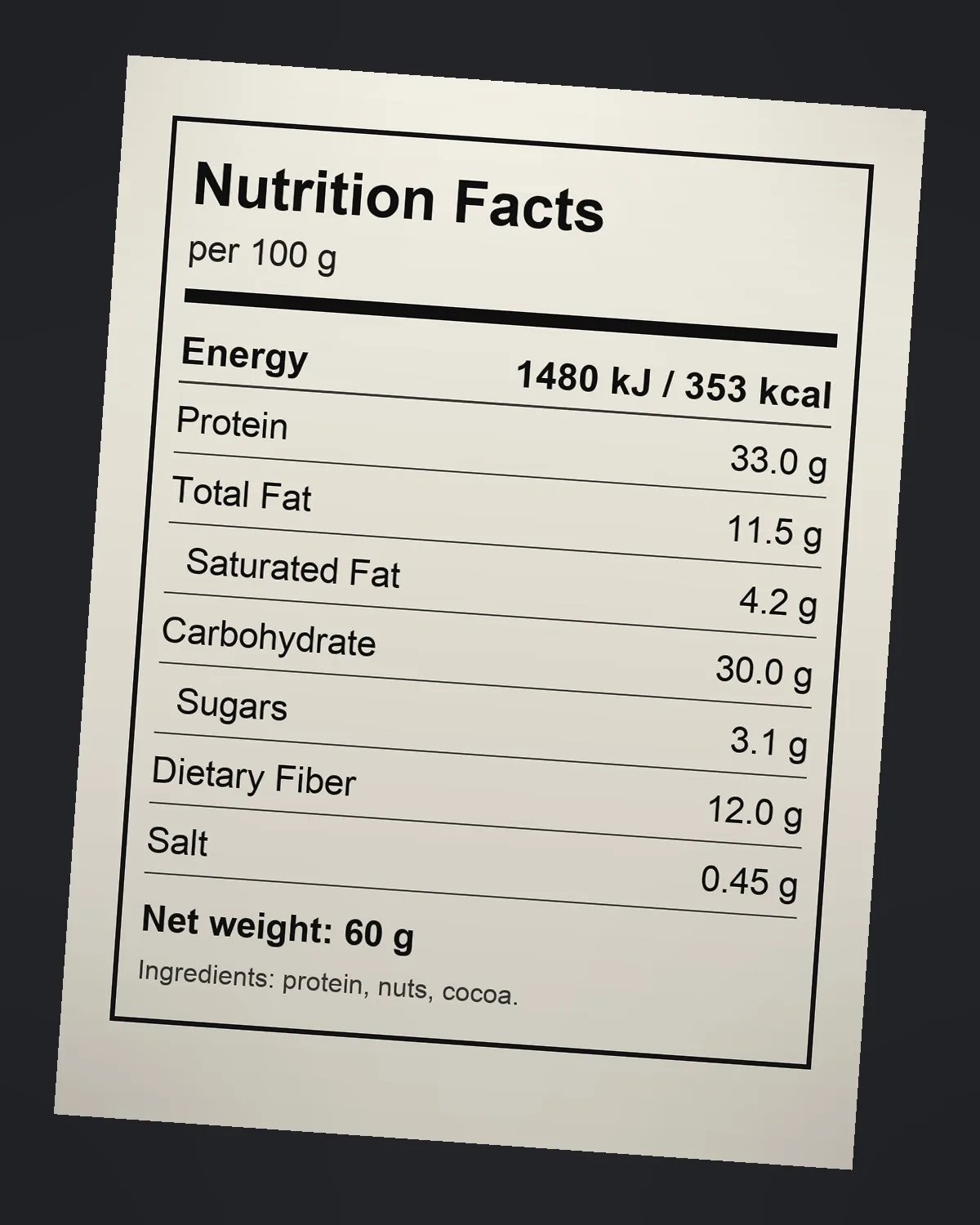
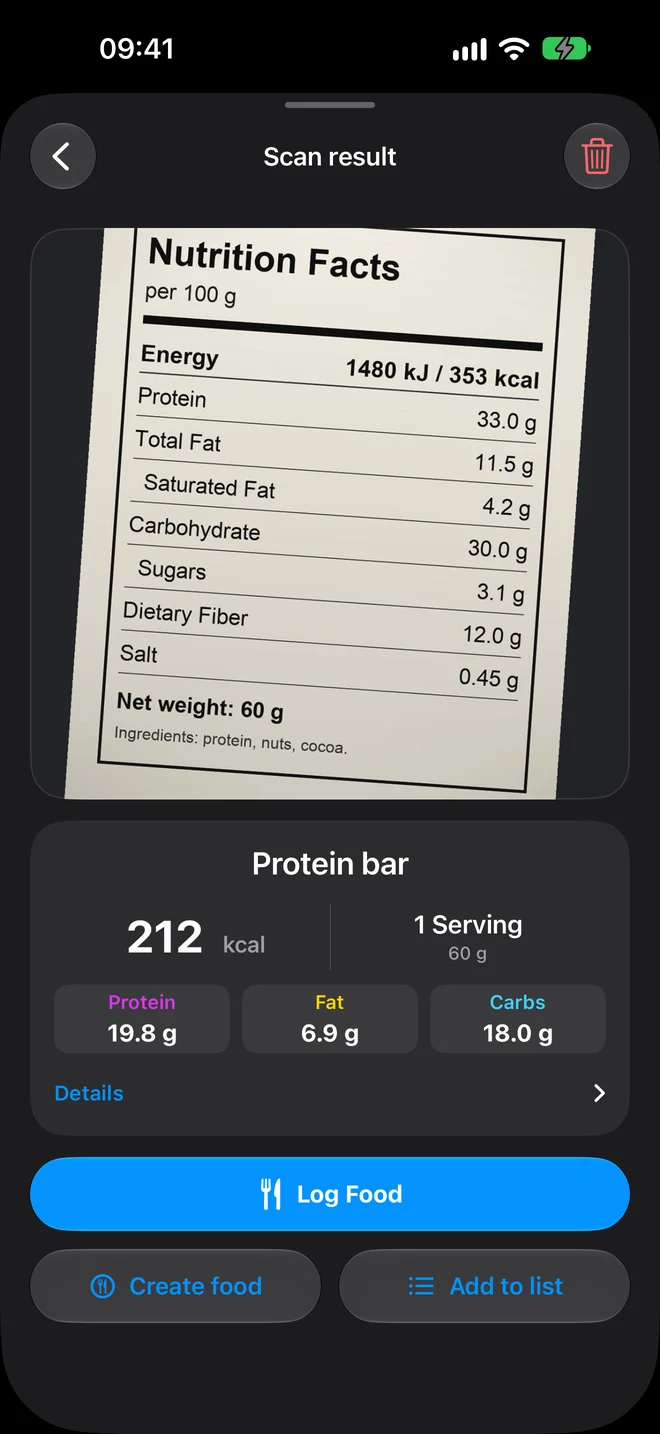
Nutrition facts label
02 / 05
Label scan result: protein bar, 212 kcal
Labels

Protein bar

From per 100 g to your portion: 60 g → 212 kcal

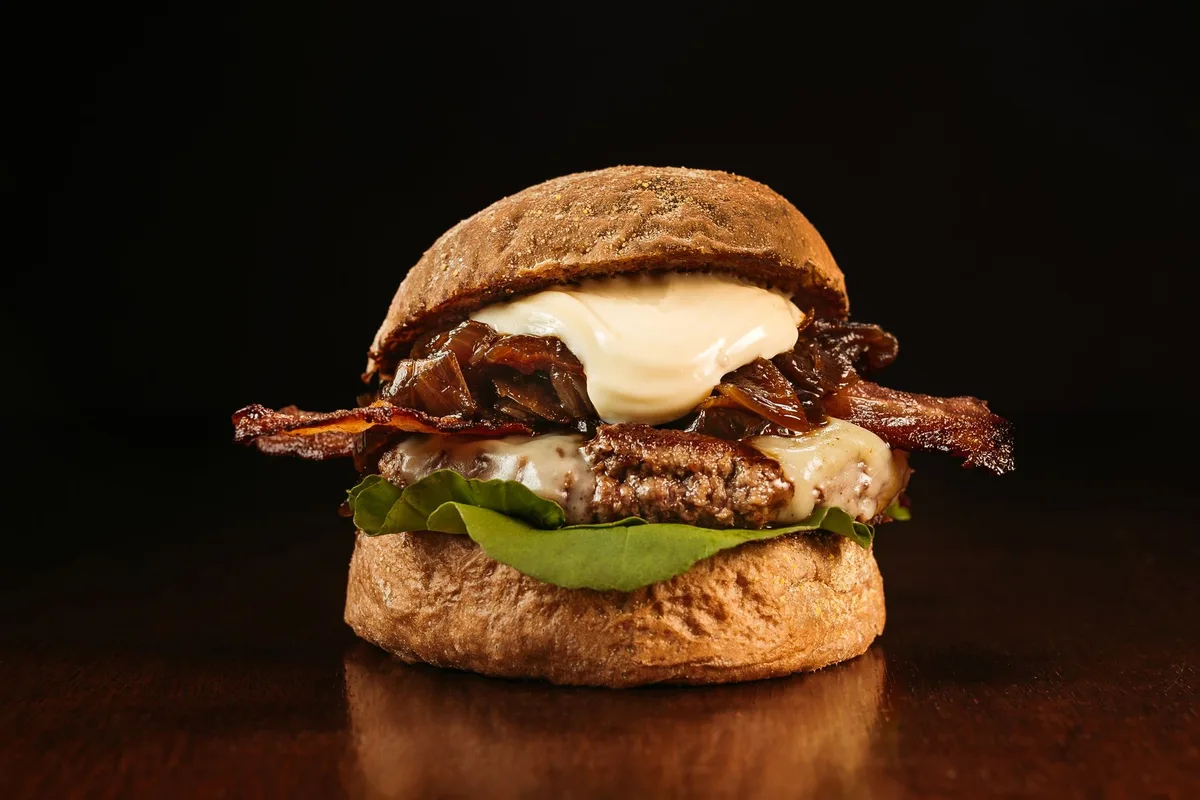
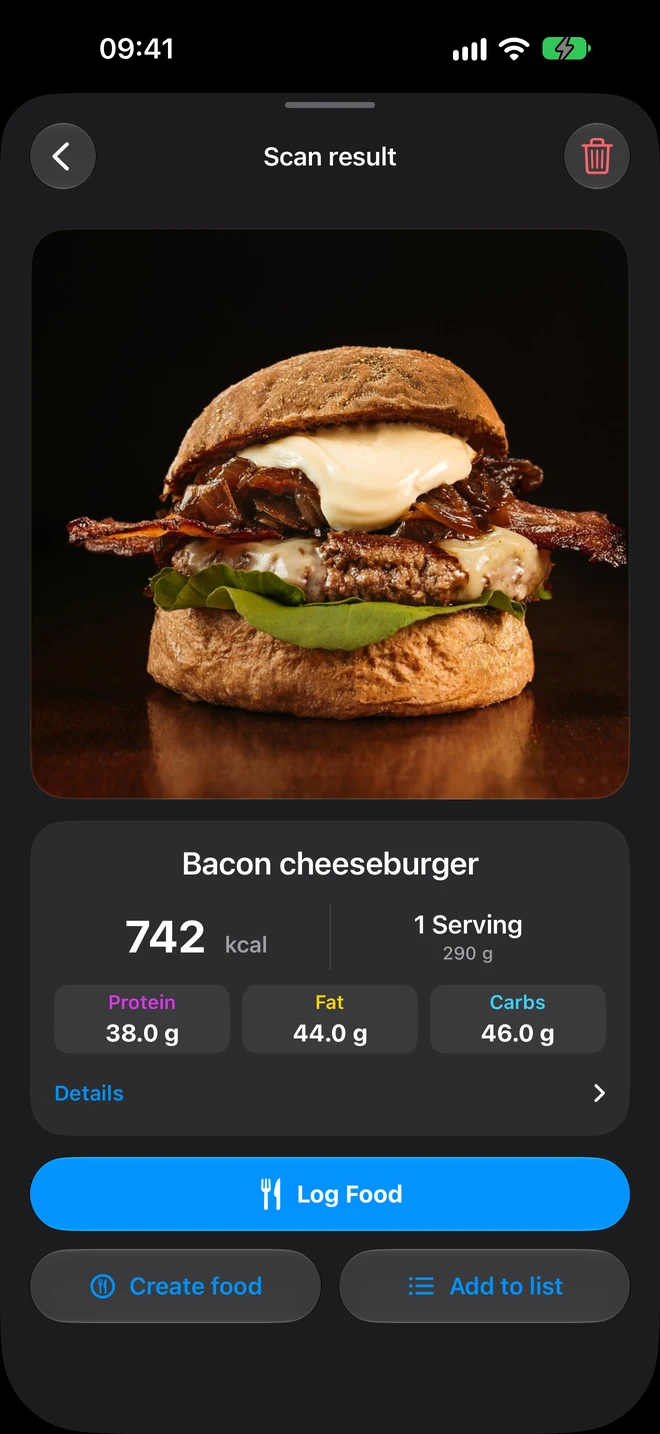
Bacon cheeseburger
03 / 05
Scan result: bacon cheeseburger, 742 kcal
Restaurants

Bacon cheeseburger

742 kcal P 38 F 44 C 46

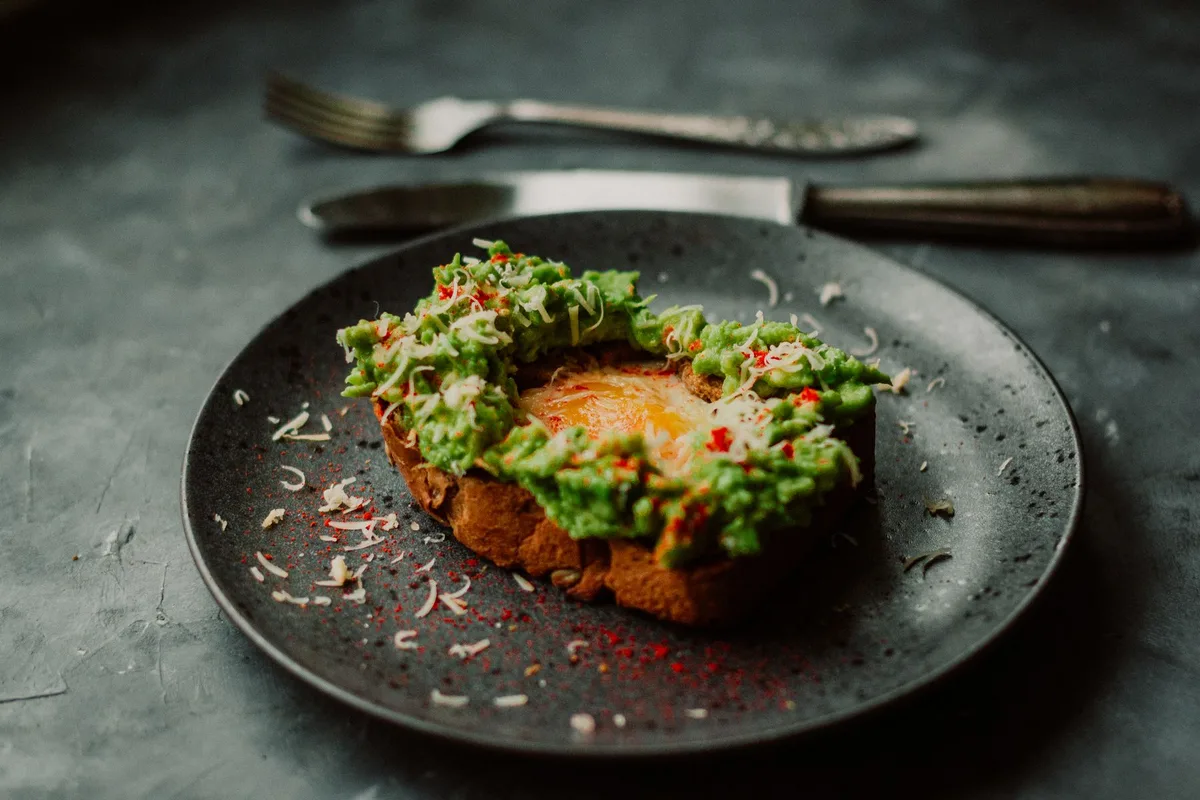
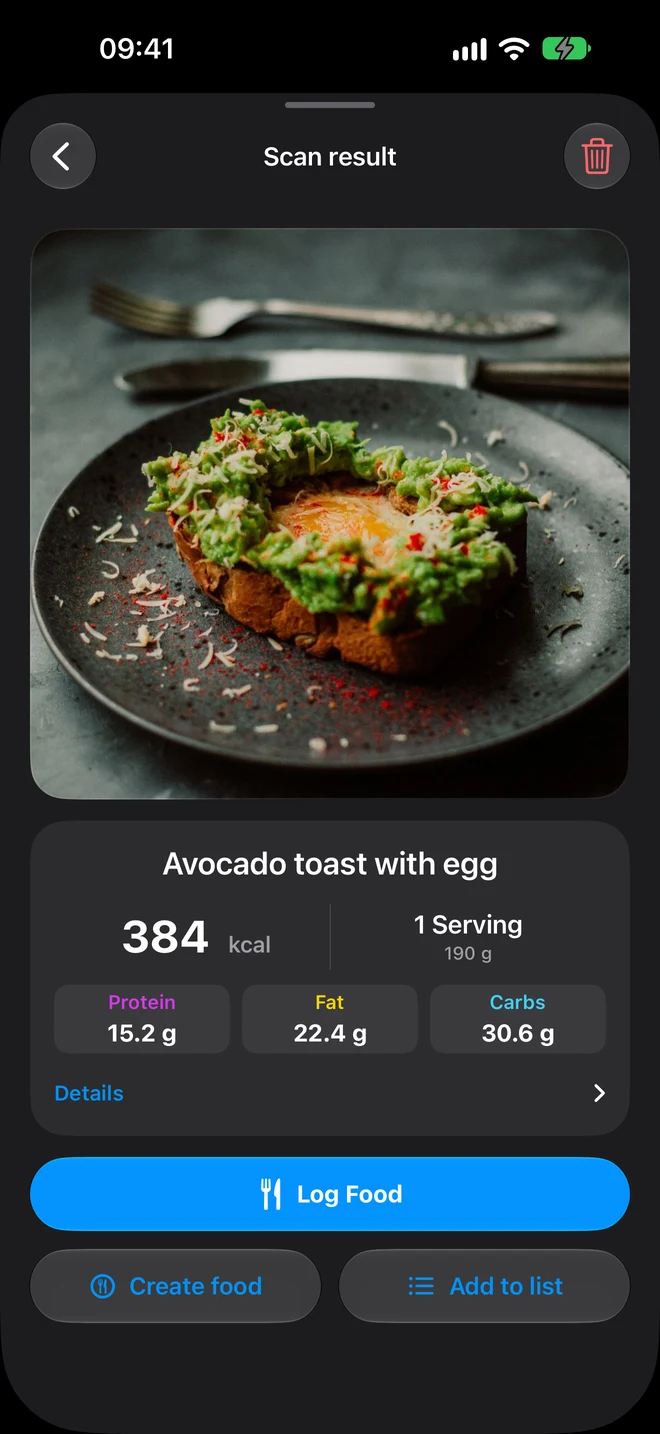
Avocado toast with egg
04 / 05
Scan result: avocado toast with egg, 384 kcal
Home cooking

Avocado toast

384 kcal P 15.2 F 22.4 C 30.6

05 / 05
Scan screen: dishes, products, nutrition labels, packaged food
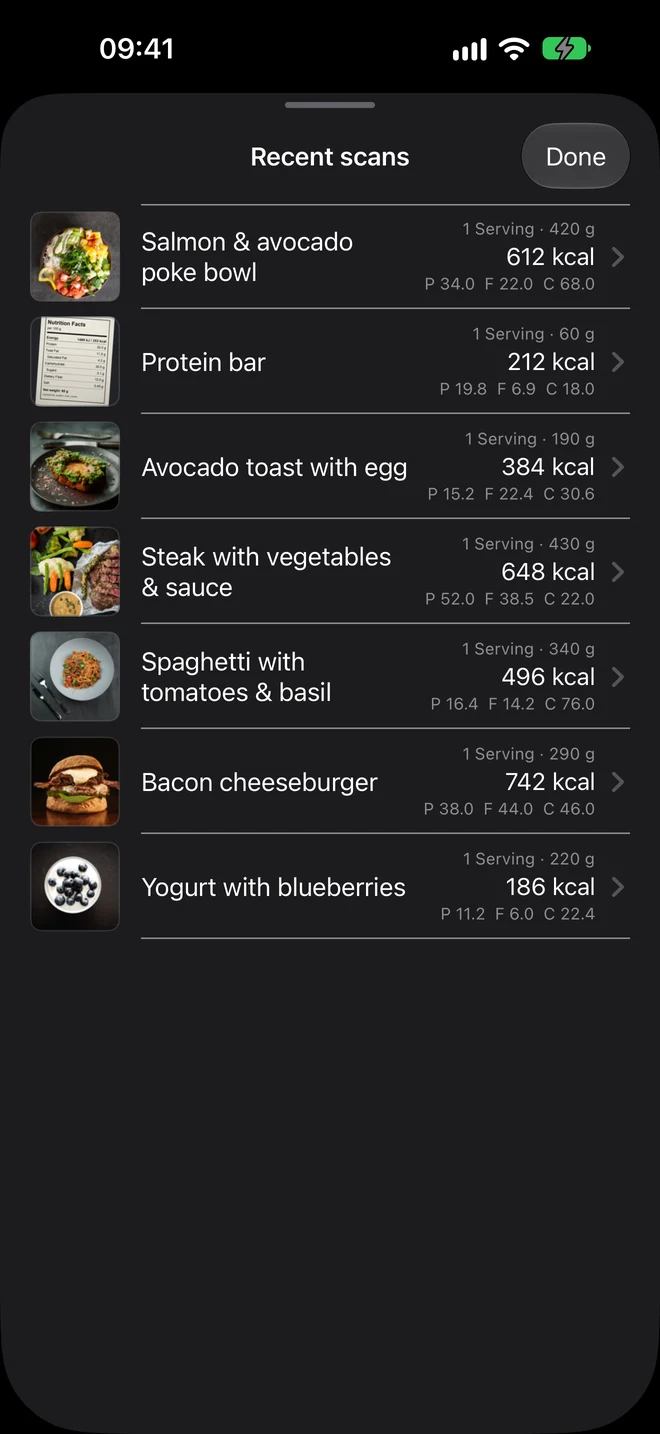
Recent scans with photos and macros
History

Every scan at hand

Repeat yesterday’s lunch in one tap.

Real screen recording

03One tap

Not a diary you have to want to fill in.

No tables, no searching for “chicken breast, boiled, skinless”. Scan → meal → done. Everything can be reviewed and adjusted before saving.

  • 10Several photos at once — up to 10 dishes in one cart
  • AaText hints: “half the rice, no sauce”
  • +1Turn a scan into a product you can reuse

04Today screen

Your whole day —
at a glance.

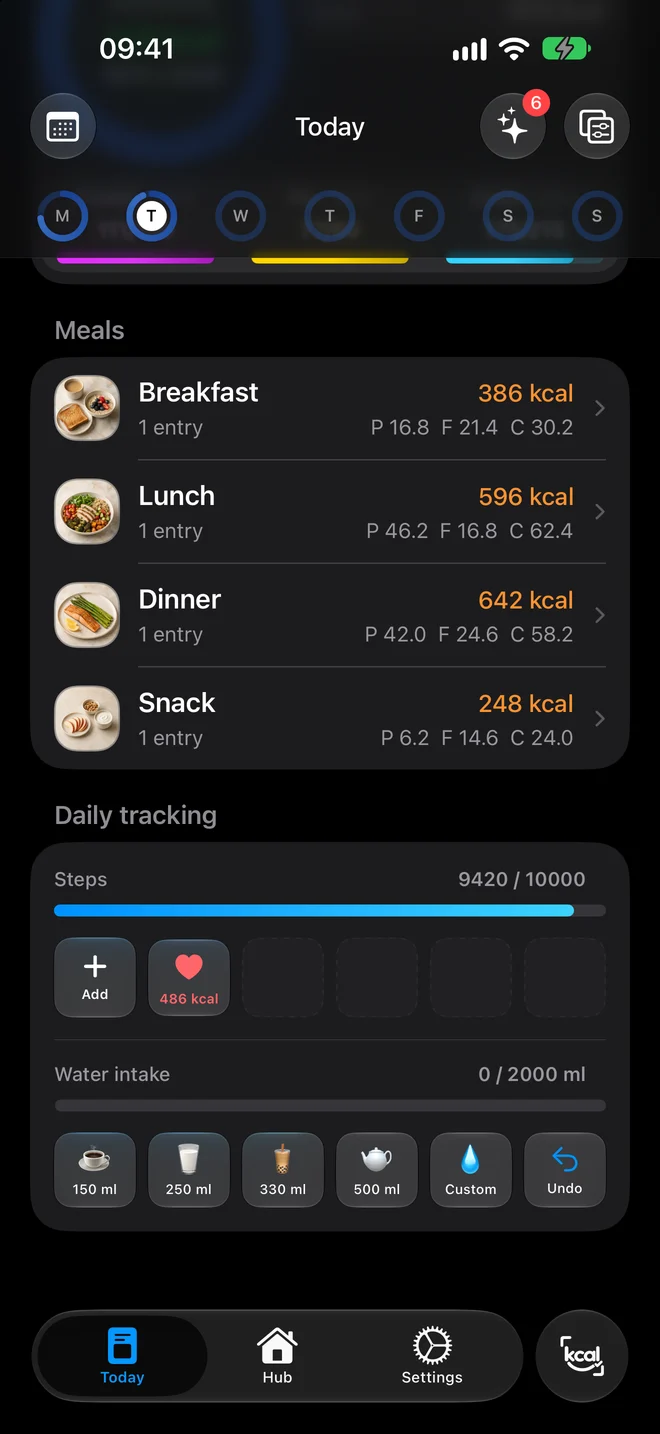
Calorie ring, protein, fat and carbs, meals, water and steps. Active calories come in from Apple Health.
kcal left
128
steps
9,420
active kcal
486
Lower part of the Today screen: steps, activity, water
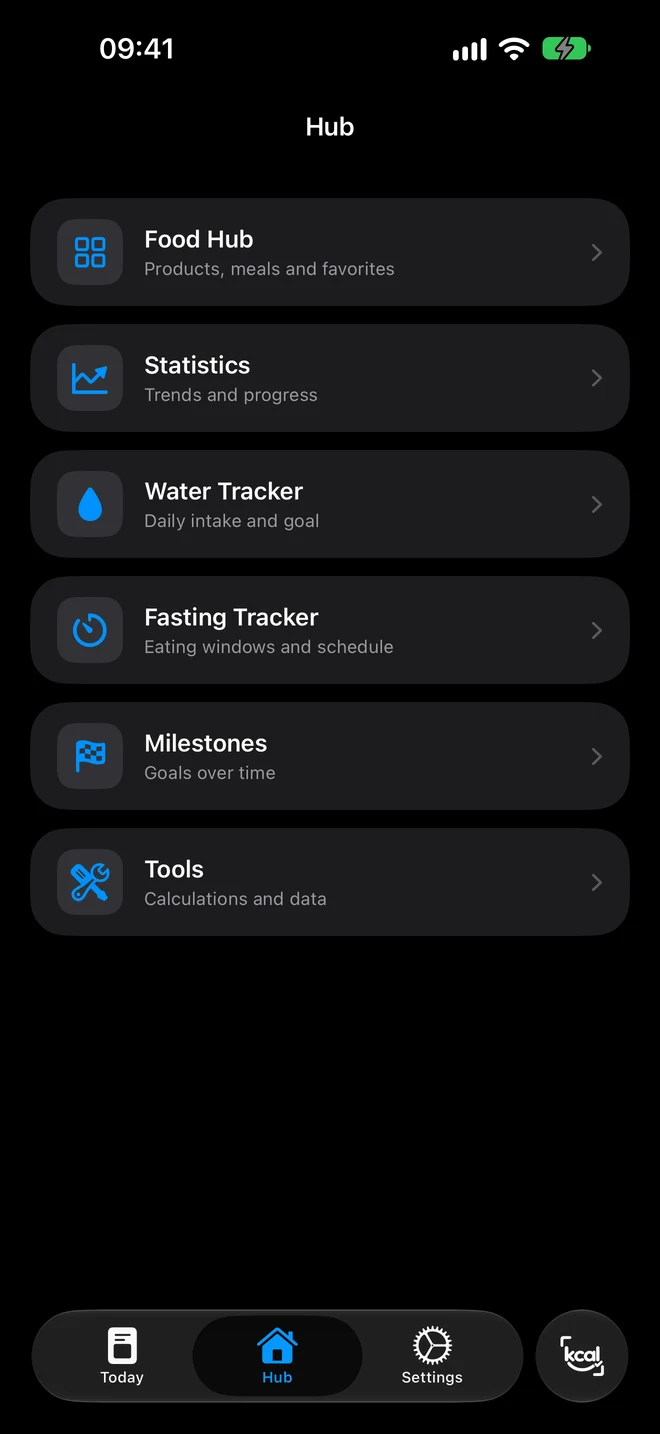
Hub: Food Hub, statistics, water and fasting trackers, milestones

05Statistics

Trends you see instantly.

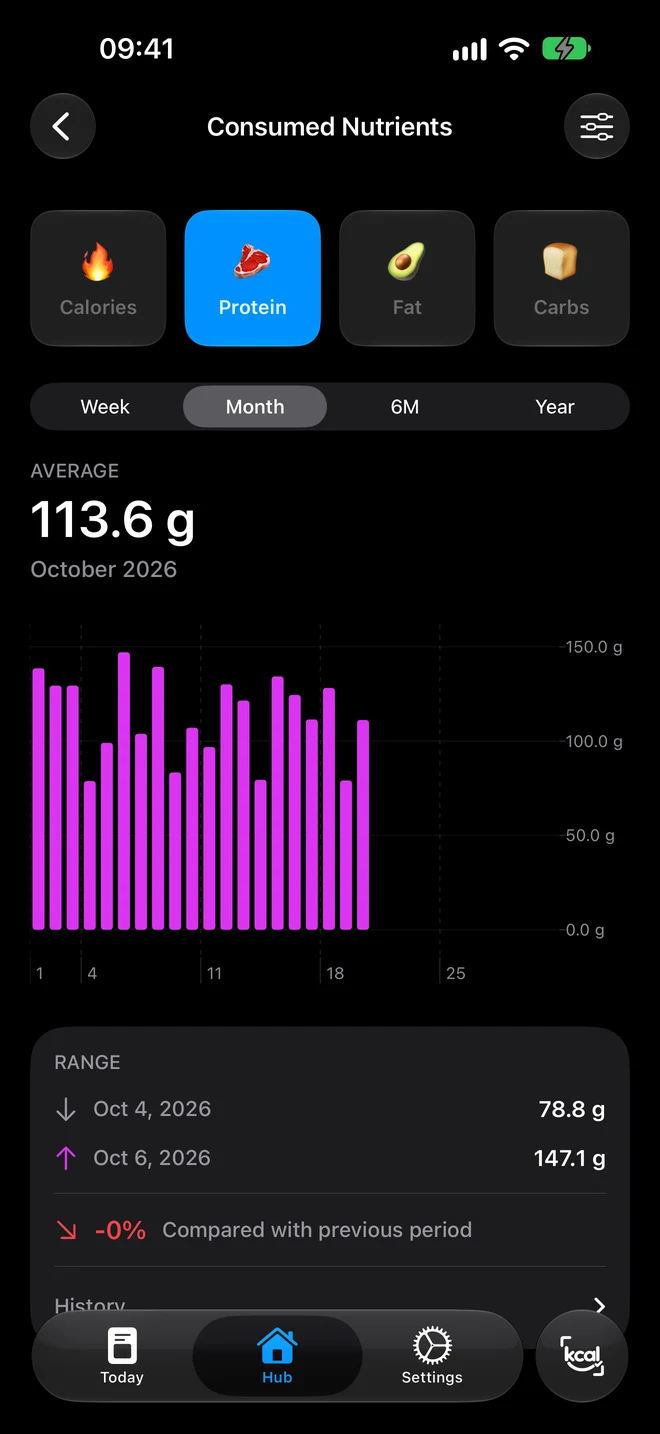
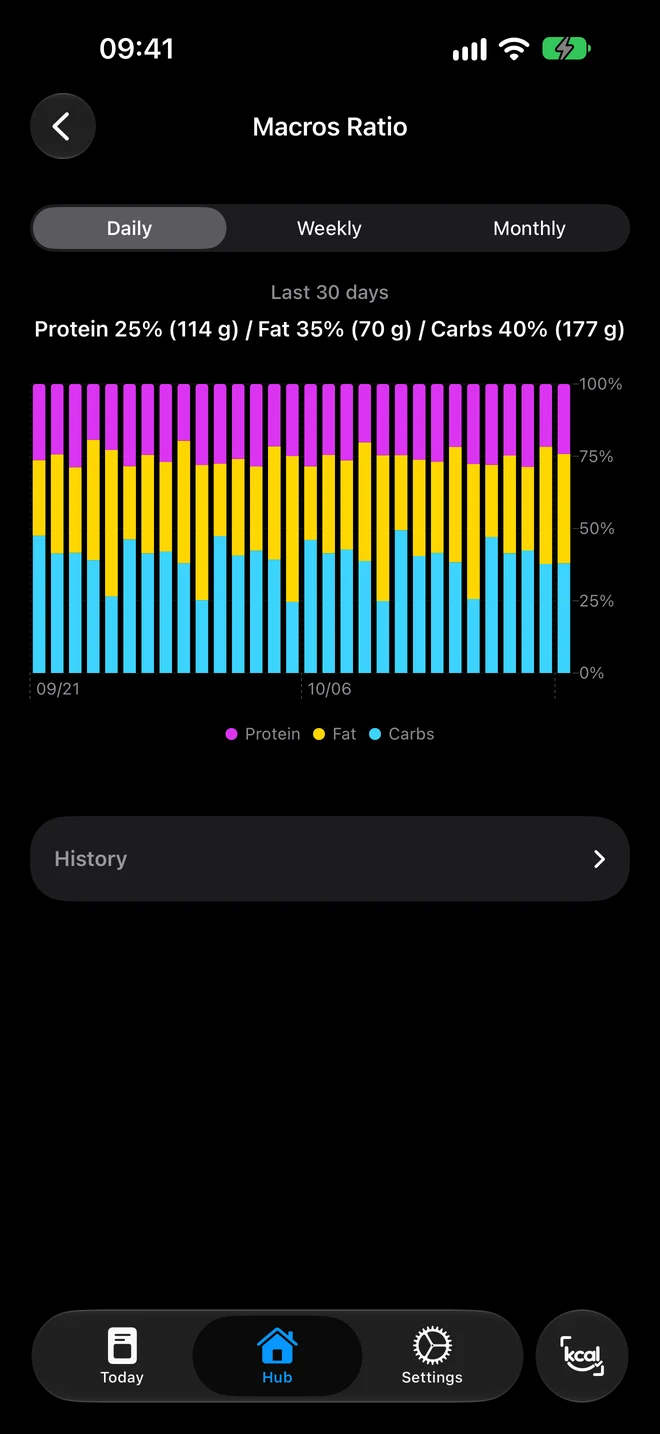
Week, month, six months or a year: average, minimum, maximum and a comparison with the previous period.
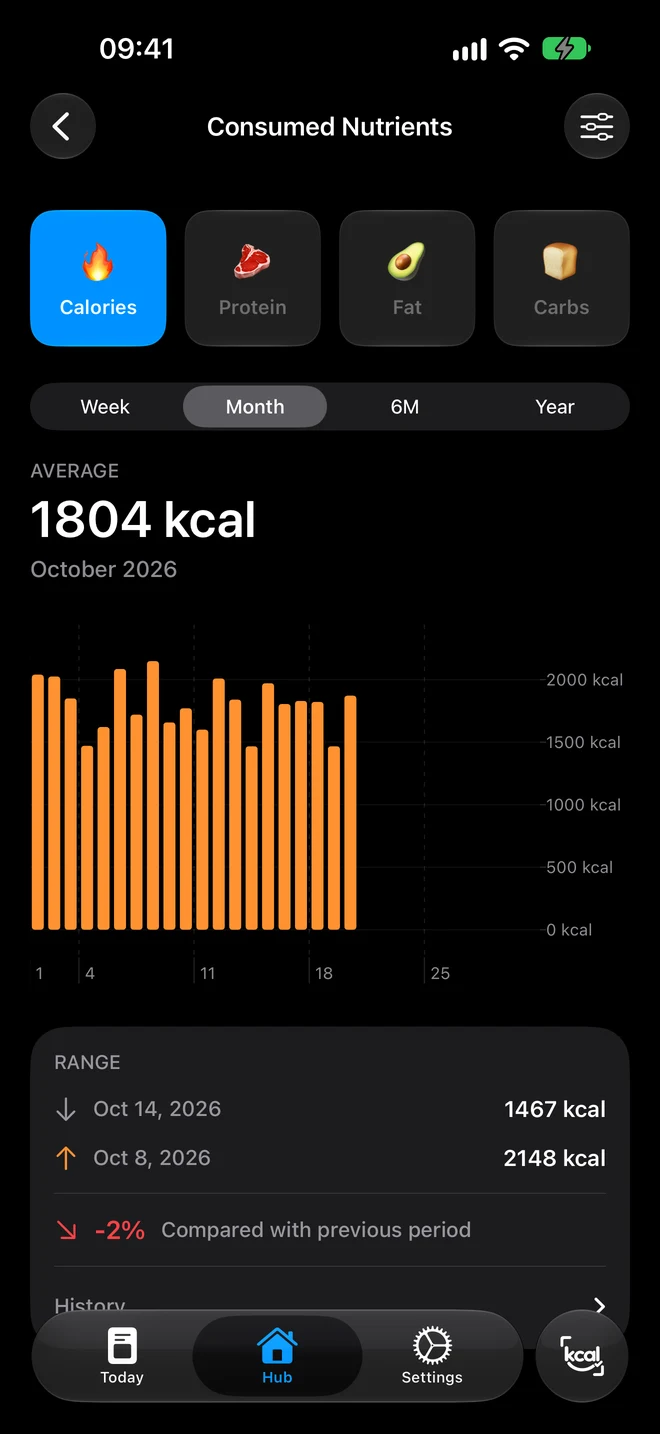
Monthly calorie chart, average 1,804 kcal Monthly protein chart, average 113.6 g Protein, fat and carbs ratio over 30 days

06Widgets & Apple Watch

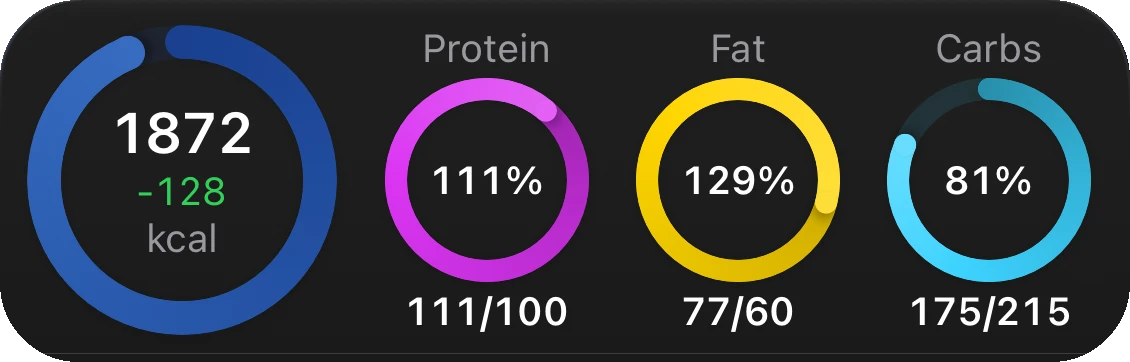
Your numbers, without opening the app.

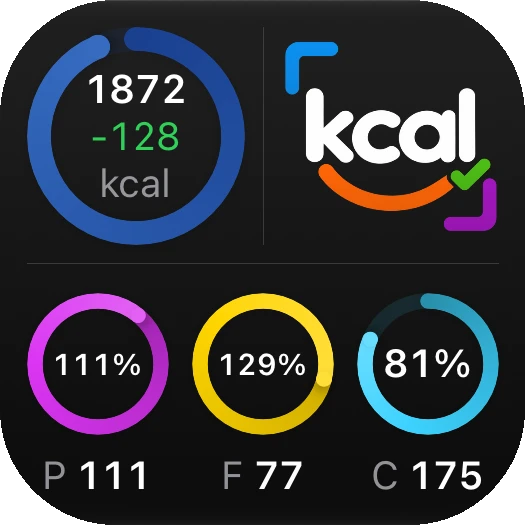
Kcal it! widget: 1,872 kcal calorie ring and protein, fat and carbs rings Small Kcal it! widget: 1,872 kcal and macro rings
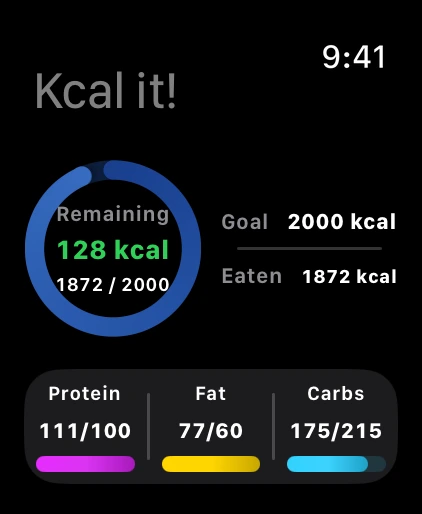
Kcal it! on Apple Watch: 128 kcal left and macros
A

Home Screen

Small, medium and large widgets: rings, macros and a weekly summary.

B

Lock Screen

Calorie ring and a quick shortcut to the AI scan.

C

Apple Watch

Calories left and macros on your wrist, plus watch-face complications.

07Fine tuning
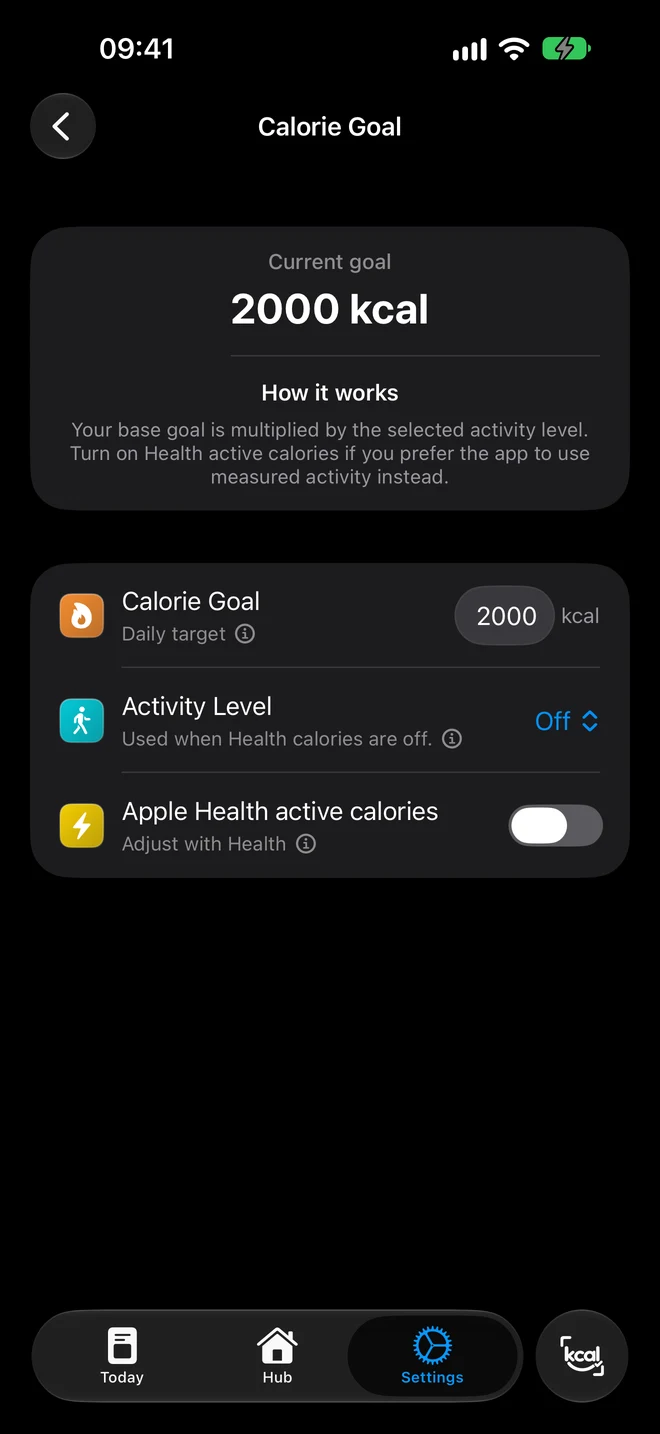
Fits your routine, not the other way round.

  • Daily calorie goal
  • Adjust the goal with Apple Health
  • Macros in grams or percent
  • Custom meals and icons
  • Water and fasting trackers
  • iCloud sync
Calorie goal settings: 2,000 kcal, activity level, Apple Health active calories

08Privacy

Your food — your business.

0ads and third-party analytics
0tracking and data selling
iCloudyour diary stays on the device and in your private iCloud
HealthApple Health data is used only with your permission and never reaches our server

Photos for AI analysis are sent only when you tap Scan and are not stored on our server. The manual diary works without AI.
Kcal it! app icon

What’s on your plate?

Snap your next lunch — and see what’s inside.

Download on the App Store

iPhone & Apple Watch · 17 languages
The diary is free, AI scan comes with Premium AI